- Uygulamalar
- Premium
-
VPN Konumları
- Yardım
- Kayıt
- Giriş
Hızlı, ücretsiz VPN ve proxy.
Tek tıkla çevrimiçi.
Browsec, IP adresinizi gizler, internet trafiğinizi şifreler ve 46+ ülkedeki içeriğe erişim sağlar. Tarayıcınızda ve telefonunuzda ücretsiz başlayın, hesap gerekmez.
 Browsec
Tarayıcınız, bilgisayarınız ve telefonunuz için tek VPN.
VPN uzantısı, masaüstü uygulamaları ve mobil uygulamalar. Tek hesap, her yerde aynı tek tıklık bağlantı.
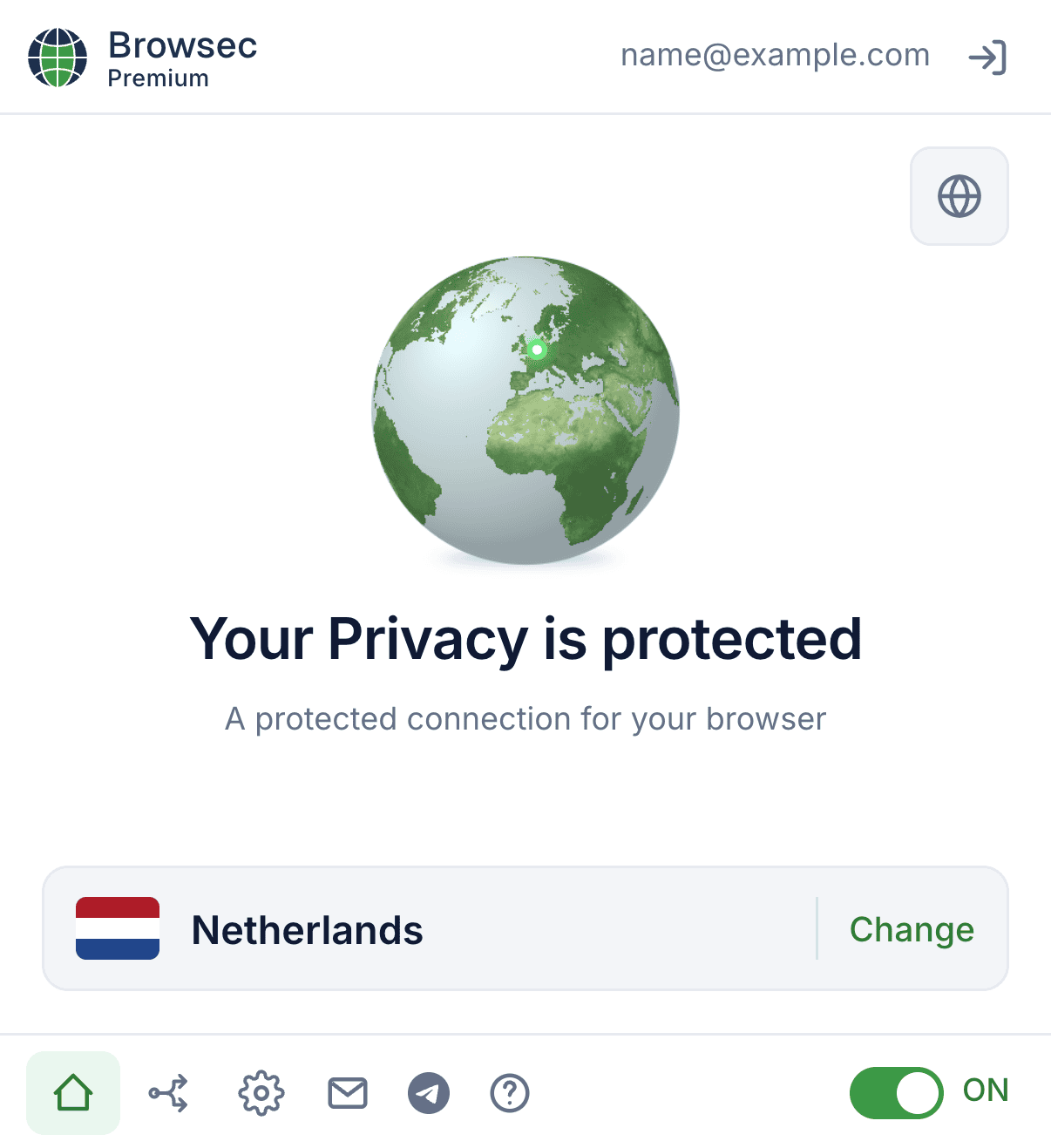
Chrome, Firefox, Edge ve Opera için VPN uzantısı.
Orijinal Browsec: tarayıcının tüm trafiğini şifreleyen hafif bir VPN ve proxy uzantısı. Akıllı Ayarlar (Smart Settings) siteye özel kurallar tanımlar: bankanız doğrudan bağlanırken geri kalan her şey VPN üzerinden gider.
- Kapalı sitelere tek tıkla erişim
- Smart Settings ile siteye özel kurallar
- Ücretsiz plan, hesap gerekmez
Windows, macOS ve Linux için VPN.
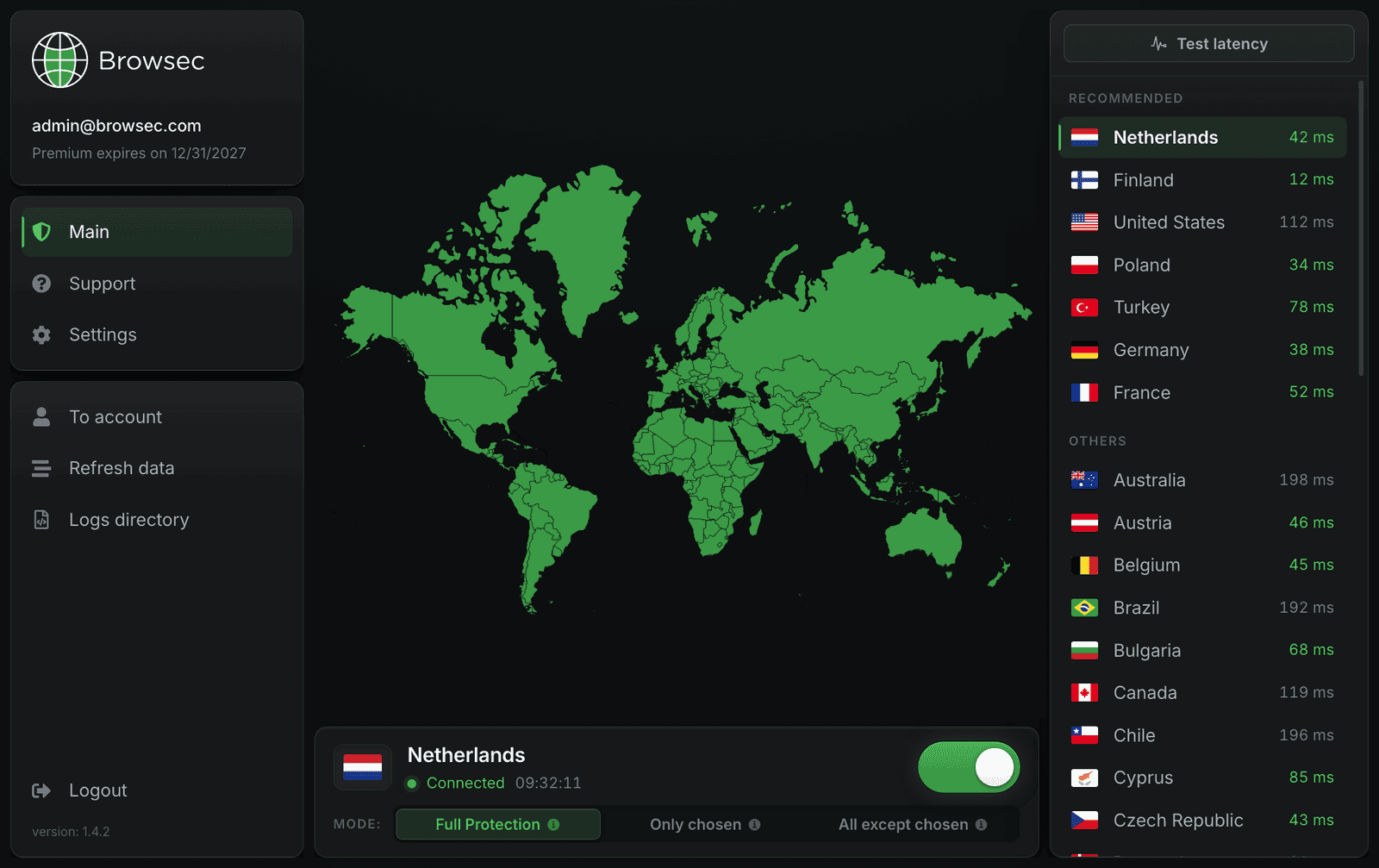
Masaüstü yazılımı yalnızca tarayıcıyı değil, internet bağlantınızın tamamını şifreler. Canlı gecikme listesinden en hızlı ülkeyi seçin ve anahtarı çevirin.
- Cihazdaki tüm uygulamaları korur
- Her konum için canlı ping
- Tam, kısmi veya uygulama bazlı tünelleme
Android ve iOS için VPN uygulaması.
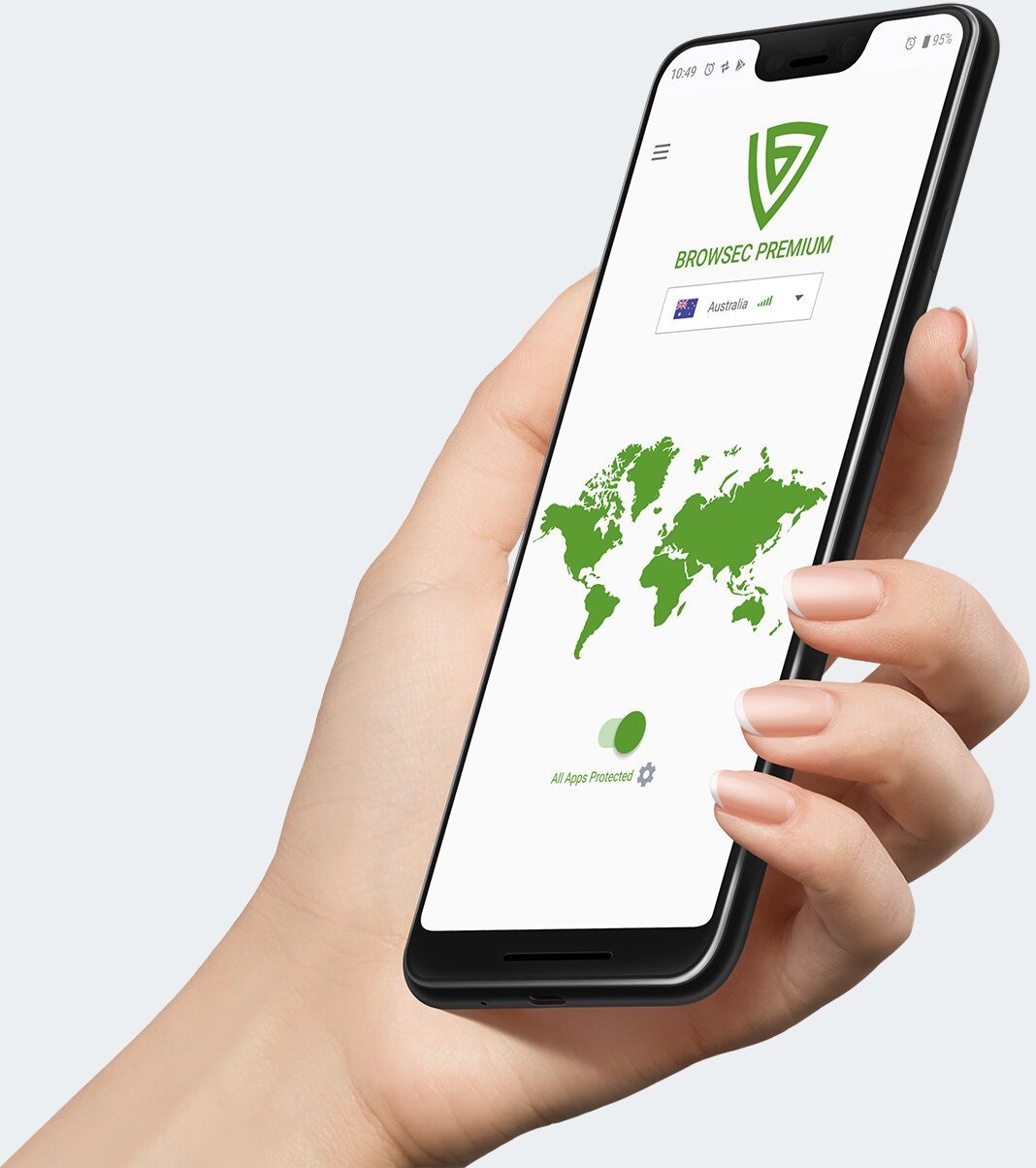
Tek dokunuşla bağlanan yerel mobil uygulamalar. Mobil veride, otel Wi-Fi'ında ya da havalimanı erişim noktasında; her ağda gizliliğinizi koruyarak yayın izleyin, alışveriş yapın ve gezinin.
- Tek dokunuşla güvenli bağlantı
- Android'de uygulama bazlı tünelleme
- Her ağda çalışır
Tek plan. Nasıl isterseniz öyle ödeyin.
Tüm planlarda aynı tam hızlı Premium VPN bulunur. Tek fark, ödemenin ne sıklıkla alındığıdır.
Sıkça sorulan sorular.
Sorunuz mu kaldı? Bize yazın, destek ekibimiz bir iş günü içinde yanıt verir.
Bize yazınBir dakikadan kısa sürer. Önce Browsec'i nerede kullanmak istediğinizi seçin.
Tarayıcı uzantısı
Browsec'i Chrome Web Mağazası, Firefox Eklentileri, Opera Eklentileri veya Microsoft Edge Eklentileri üzerinden ekleyin. Ardından tarayıcı araç çubuğundaki Browsec simgesine tıklayın ve "Start VPN" düğmesine basın.
Windows, macOS ve Linux uygulaması
Browsec masaüstü uygulaması yalnızca tarayıcıyı değil, bilgisayarınızdan çıkan tüm trafiği şifreler. Premium abonelik gerekir.
Telefon ve tablet
Uygulamayı Google Play'den veya App Store'dan indirin, ardından ana ekranın altındaki açma-kapatma düğmesine dokunun. Bağlantınız hemen korunur. Android'de uygulamayı ayrıca APK dosyasından yükleyebilirsiniz.
Android TV
Televizyondaki Google Play'de Browsec'i bulup yükleyin. Google Play uygulamayı yükleyemezse ya da VPN bağlanmazsa APK dosyasını doğrudan bağlantıdan indirip elle yükleyin.
Hiçbiri işe yaramazsa
Yardım Merkezimize göz atın ya da support@browsec.com adresine yazın. Browsec'in tüm sürümleri indirme sayfamızda yer alıyor.
Browsec'in ücretsiz sürümünü hemen kullanabilirsiniz: kayıt, giriş ya da kimlik bilgisi gerekmez. Yükleyip bağlanmanız yeterli.
Hesap yalnızca daha hızlı sunucular ve daha fazla konum için Premium'a geçmek isterseniz gerekir.
Evet. Browsec mobil cihazlarda AES-256 (askeri düzeyde) şifrelemeli IPSec IKEv2 ve XRay protokollerini, tarayıcı uzantısında ise AES-256 şifrelemeli TLS üzerinden HTTP proxy kullanır.
Browsec sizi ortadaki adam (MITM, man-in-the-middle) saldırılarına ve WebRTC sızıntılarına karşı da korur.
Evet, Browsec'in ücretsiz planını istediğiniz kadar, hiçbir kısıtlama olmadan kullanabilirsiniz.
Daha fazla sunucu konumuna ya da daha yüksek bağlantı hızına ihtiyacınız varsa veya Browsec'in gelişimini desteklemek istiyorsanız Browsec Premium aboneliği alabilirsiniz.
Kredi ve banka kartlarını, PayPal'ı ve bölgenize göre çeşitli yerel ödeme hizmetlerini kabul ediyoruz. Tüm ödemeler güvenli ödeme altyapıları üzerinden işlenir. Abonelikler otomatik olarak yenilenir, ancak istediğiniz zaman hesap ayarlarınızdan iptal edebilirsiniz.
Evet. Abonelik yenilemesini hesap ayarlarınızdan iptal edebilirsiniz.
İptal ettikten sonra Premium özelliklerini fatura döneminizin sonuna kadar kullanmaya devam edersiniz, ardından hesabınız ücretsiz plana geri döner.
Evet. Browsec 7 günlük para iade garantisi sunar. Premium'u kullandığınız ilk hafta içinde memnun kalmazsanız destek ekibimize yazın ve para iadesi isteyin. İade nedenini de yazarsanız hizmetimizi geliştirmemize yardımcı olursunuz.
Ayrıca hizmetimizin beklediğiniz gibi çalışması için bir çözüm önerebiliriz.
Ücretsiz planda sınırlı sayıda konuma (ABD, Hollanda, Singapur gibi) erişir ve orta düzeyde hız alırsınız. Ücretsiz sürümde süre sınırı yoktur, istediğiniz kadar kullanabilirsiniz.
Premium planda masaüstü uygulamaları, 40'tan fazla konum, daha hızlı sunucular, daha kararlı bağlantı, öncelikli destek ve sınırsız sayıda Smart Settings ile App Protection (Android) ayarı bulunur. Bilgisayarınızda ve diğer cihazlarınızda tam koruma, kesintisiz yayın ve daha fazla esneklik istiyorsanız en iyi seçim Premium.